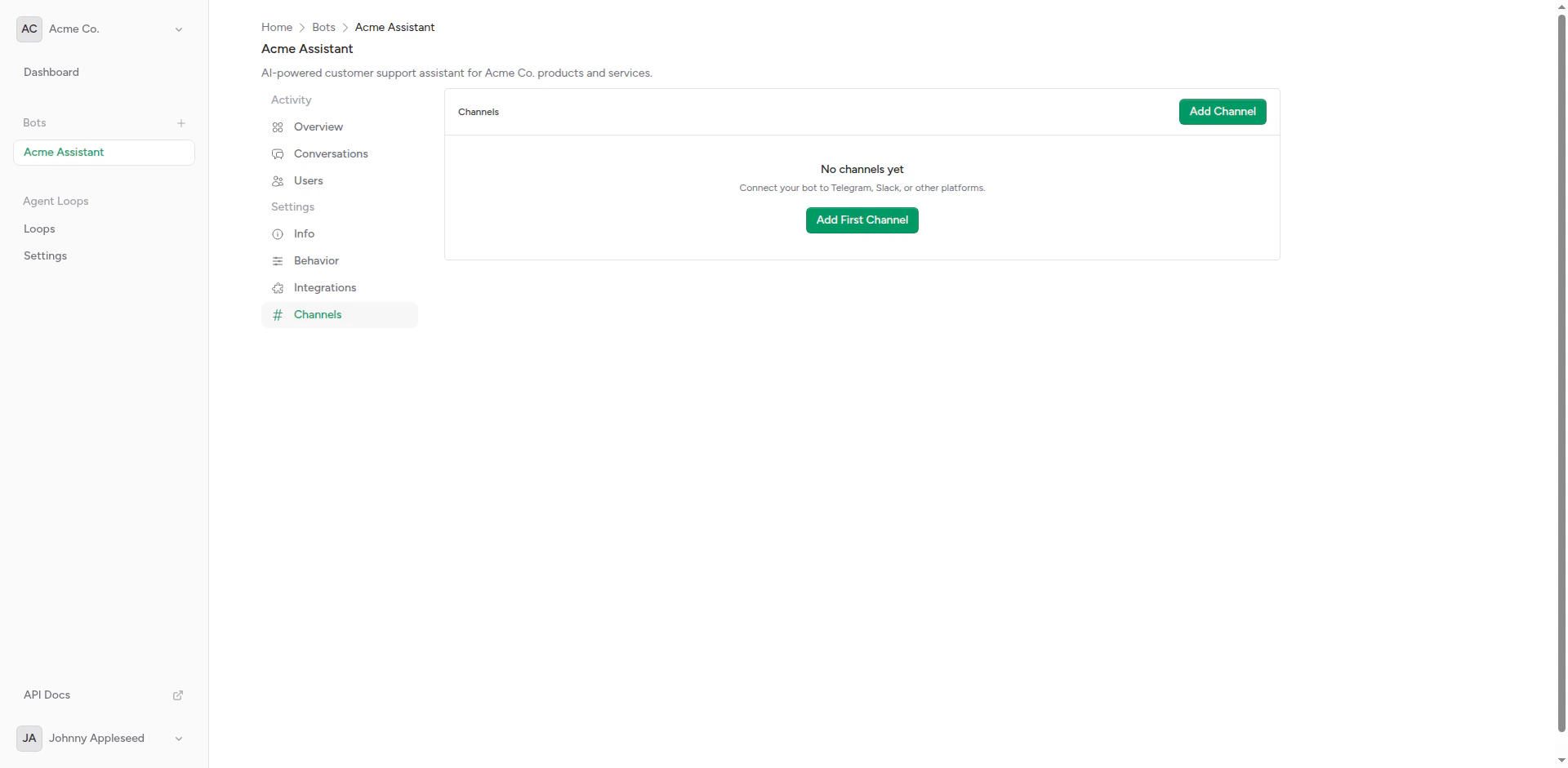
Empty channels page
Overview
A channel is:- Platform Connection: Link to Telegram, Slack, Discord, etc.
- Webhook Handler: Receives incoming messages from the platform
- Message Sender: Sends bot responses back to users
- Configuration: Platform-specific credentials and settings
Supported Platforms
Telegram
Bot API with native typing indicators
Slack
Workspace integration with thread support
Discord
Guild bots with slash commands (coming soon)
Business API integration (coming soon)
Creating a Channel
1
Choose Platform
Decide which messaging platform to connect.
2
Create Bot/App
Create a bot or app on the platform:
- Telegram: Use @BotFather
- Slack: Create app at api.slack.com/apps
- Discord: Create bot at discord.com/developers
3
Get Credentials
Copy the required credentials:
- Telegram: Bot token
- Slack: Bot token + signing secret
- Discord: Bot token + application ID
4
Configure in Platform
Create the channel in Chatbot Platform and enter credentials.
5
Test
Send a test message to verify the connection works.
Channel Features
Platform-Specific Capabilities
Different platforms support different features:
*Coming soon
Webhook Management
Channels use webhooks to receive messages:- Platform Sends Message: User sends message on platform
- Webhook Receives: Platform forwards to Chatbot Platform webhook
- Bot Processes: Bot handles message and generates response
- Response Sent: Bot sends reply back through platform API
Multi-Channel Bots
A single bot can connect to multiple channels:- Unified bot logic across platforms
- Single integration configuration
- Centralized management
- Consistent user experience
Channel Settings
Configure these per channel:Testing Channels
After setting up a channel:1
Verify Connection
Check that channel status shows “Connected” or “Active”.
2
Send Test Message
Send a message to the bot on the platform.
3
Check Response
Verify the bot responds correctly.
4
Review Logs
Check conversation history to see the message was received.
Troubleshooting
Channel Not Receiving Messages
Check:- Webhook URL is correctly configured on platform
- Bot/app has required permissions
- Platform credentials are valid
- Channel is enabled (not disabled)
Bot Not Responding
Check:- Bot has active integration
- Integration is working (test manually)
- No timeout errors in logs
- Bot is connected to correct channel
Webhook Errors
Common Issues:- Invalid signature (Slack)
- Webhook URL changed
- SSL certificate issues
- Firewall blocking requests
Security
Chatbot Platform validates all incoming webhook requests using platform-specific verification methods.
Platform Verification
Telegram: Bot token validation Slack: Request signature verification Discord: Application verification This ensures only legitimate requests from the platform are processed.API Access
Manage channels programmatically using the API.Create a channel via API
Create a channel via API
- cURL
- JavaScript
- PHP
- Python
List bot channels
List bot channels
- cURL
- JavaScript
- PHP
- Python
Delete a channel
Delete a channel
- cURL
- JavaScript
- PHP
- Python
Complete API Reference
View the full API specification with all endpoints, parameters, and response schemas.
Next Steps
Telegram Setup
Connect to Telegram
Slack Setup
Integrate with Slack workspaces