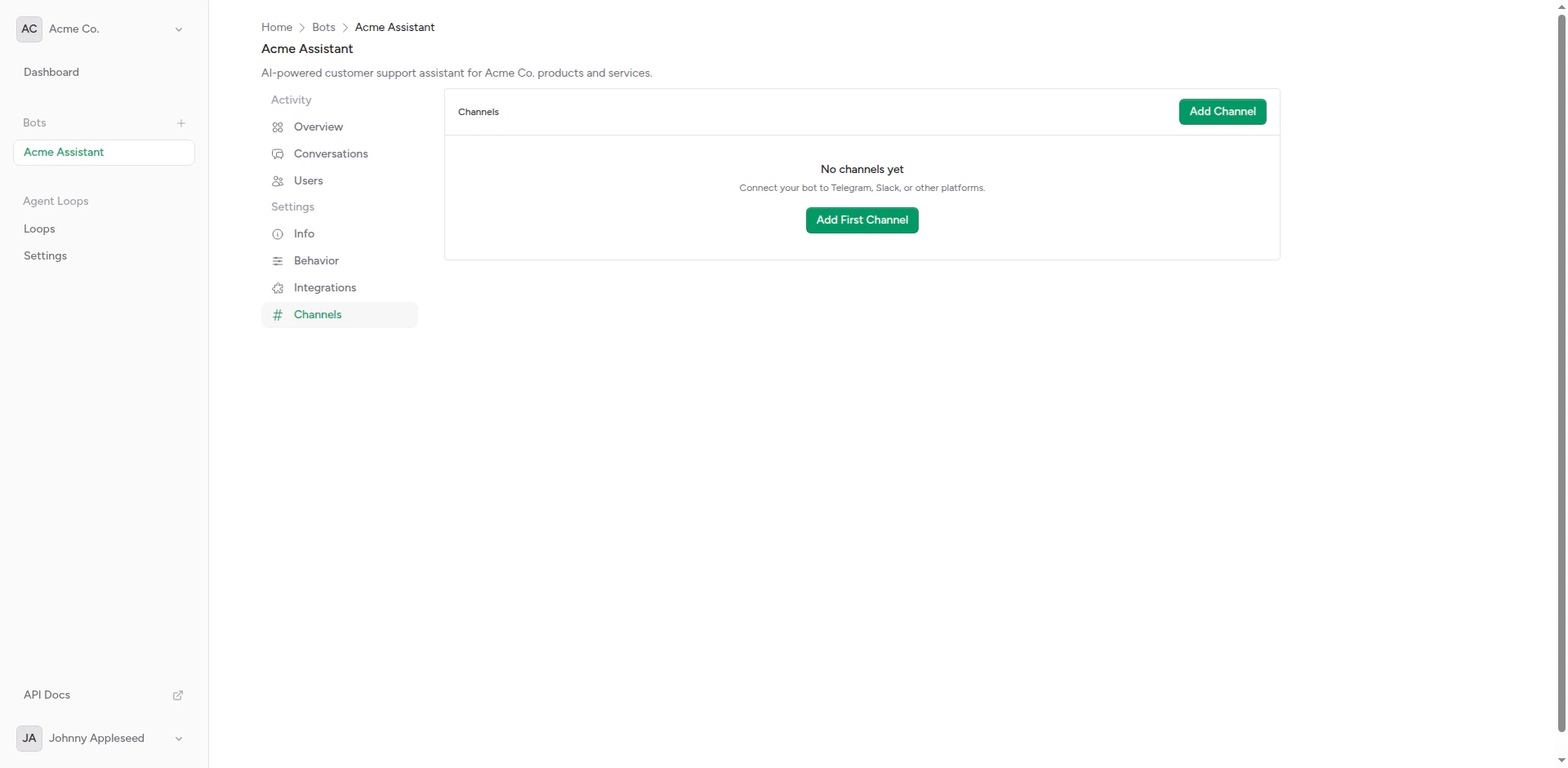
Empty channels page
Supported platforms
Web Widget
Embeddable chat launcher for your own site, with visitor identity and per-user MCP servers
Slack
Mention the bot in a channel; it follows the thread
Telegram
DMs and groups via the Bot API, with native typing
What each channel needs
Create a channel
1
Open the bot's Channels tab
In the dashboard, open your bot and click Channels, then Add channel.
2
Pick the platform
Choose Web Widget, Slack or Telegram. The form shows the credentials that platform needs and where to find them.
3
Enter credentials and save
Slack and Telegram tokens are verified against the platform before the channel is created; a wrong token is rejected with a clear message. Leave Enable channel immediately ticked to go live on save.
4
Finish on the other side (Slack only)
Paste the request URL shown after saving into your Slack app’s Event Subscriptions. Telegram and the web widget need nothing more.
5
Power it with an AI agent
Every channel page opens with Power this chat with an AI agent: a system prompt, a model and one click create the agentic-loop integration that answers on this bot. Skip it if your own webhook integration will answer instead.
Feature comparison
How conversations are keyed
Each channel decides what counts as one conversation:
Messages in a conversation carry the sender’s name, so the history your integration receives works for group threads as well as 1:1 chats.
Managing channels
- Enable / disable: a disabled channel stops receiving and sending. For Telegram the webhook is removed on disable and re-registered on enable.
- Rotate credentials: paste a new token in the channel’s edit form; it is verified before being saved. Web widgets have Regenerate buttons for their signing secret and MCP webhook secret.
- Delete: disconnects the platform (Telegram webhook removed; embedded widgets with that key stop working). Conversations stay visible in the dashboard.
Security
Every incoming request is verified before it is processed: Slack requests by signature with your app’s Signing Secret, Telegram requests on a per-channel webhook URL tied to your validated bot token, and widget requests by the channel key, allowed origins and, when configured, the visitor’s signed token.
Troubleshooting
Next steps
Web Widget
Embed chat on your site
Slack
Connect a workspace
Telegram
Connect a Telegram bot