Get your first AI chatbot up and running in just a few steps.
This guide assumes you have already signed up at app.chatbotplatform.io.

Create Your First Bot

1

Navigate to Bots

From your dashboard, click on Bots in the sidebar to view your bots.
2

Create a New Bot

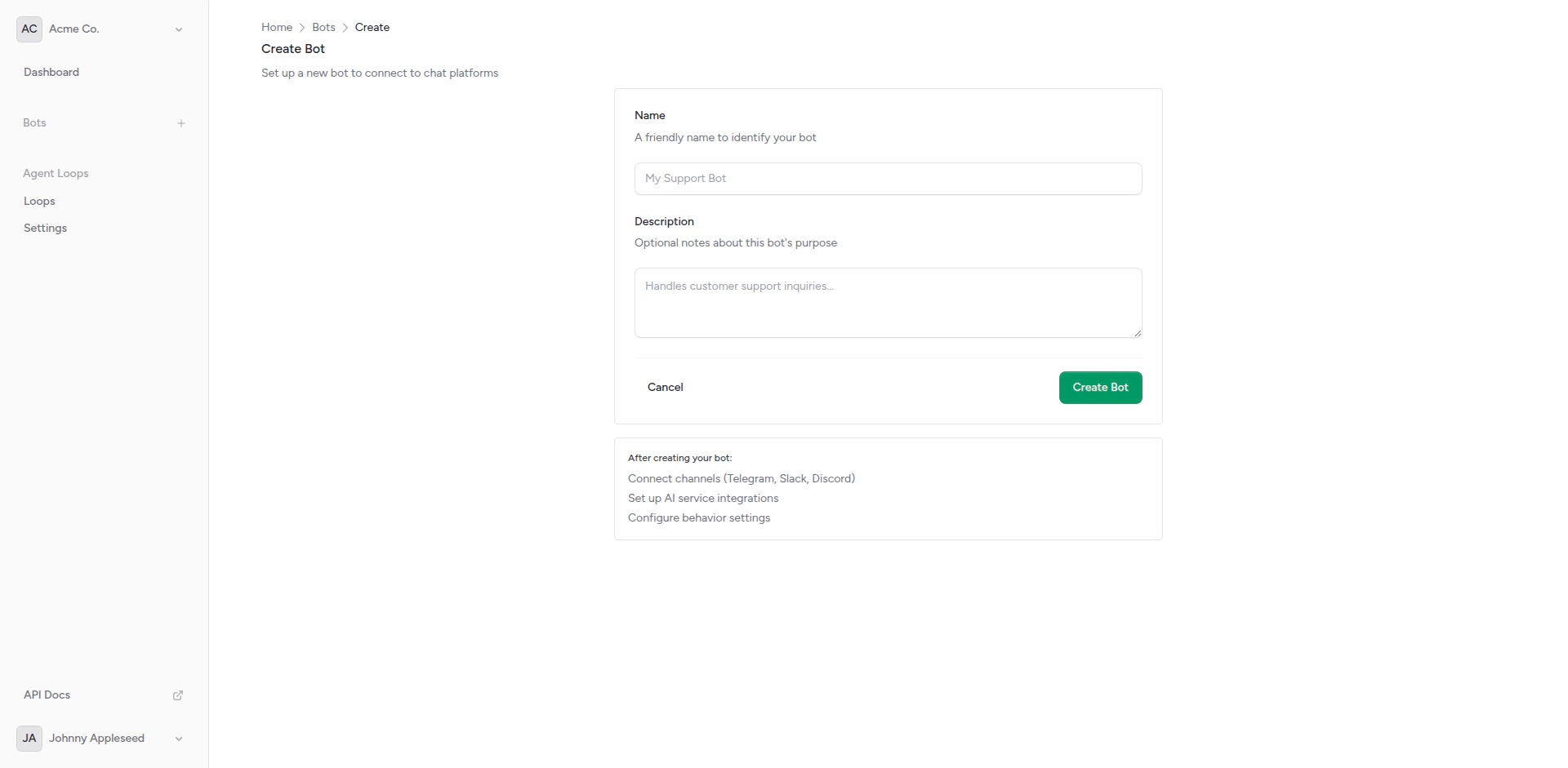
Click the Create Bot button. Enter a name and description for your bot.
Create bot form
3

Configure Your Bot

After creation, you’ll be taken to the bot settings page. Here you can:
  • Set the bot’s name and description
  • Configure behavior settings
  • View connected channels and integrations

Add an Integration

Your bot needs an AI backend to generate responses.
1

Go to Integrations

From your bot’s page, click on Integrations in the sidebar.
2

Create Integration

Click Create Integration and configure your AI backend:
  • Name: A friendly name (e.g., “OpenAI GPT-4”)
  • Webhook URL: Your AI backend endpoint
  • Headers: Any required authentication headers
  • Timeout: Response timeout in seconds
3

Test the Integration

Use the built-in test feature to verify your integration works correctly.
Default Integration: Each bot comes with a default echo integration for testing. You can use this to verify your channel setup before connecting a real AI backend.
Connect a Channel

Now connect your bot to a messaging platform.
  1. Create a bot with @BotFather on Telegram
  2. Copy the bot token
  3. In Chatbot Platform, create a new Telegram channel
  4. Paste the token and save
  5. The webhook is configured automatically

Send Your First Message

Once your channel is connected:
  1. Open the connected platform (Telegram, Slack, etc.)
  2. Find your bot and send a message
  3. Your bot will respond using the configured integration
Congratulations! Your first AI chatbot is now live and responding to messages.

Next Steps

Configure Behavior

Customize typing indicators and response settings

Add More Channels

Connect to additional messaging platforms

A/B Test Integrations

Compare multiple AI backends with weighted selection

Agent Loops

Create autonomous AI workflows with tools