Overview
A bot is a configured instance that:- Connects to Channels: Links to one or more messaging platforms (Telegram, Slack, Discord)
- Uses Integrations: Forwards messages to AI backends for response generation
- Manages Conversations: Tracks message history and context
- Applies Behaviors: Controls typing indicators, message detection, and response formatting
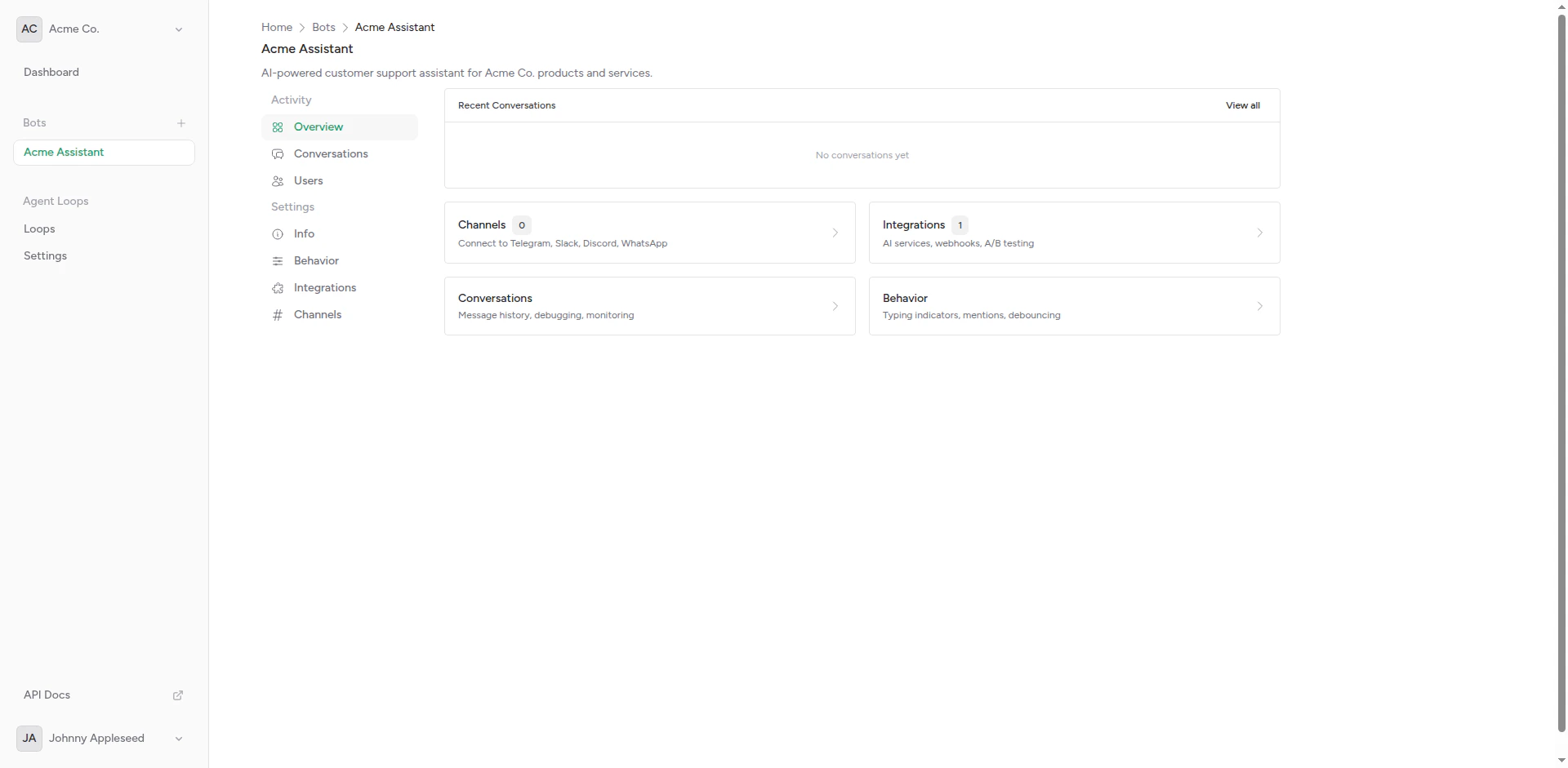
Bot overview showing channels, integrations, and settings
Creating a Bot
1
Navigate to Bots
From your dashboard, click Bots in the sidebar.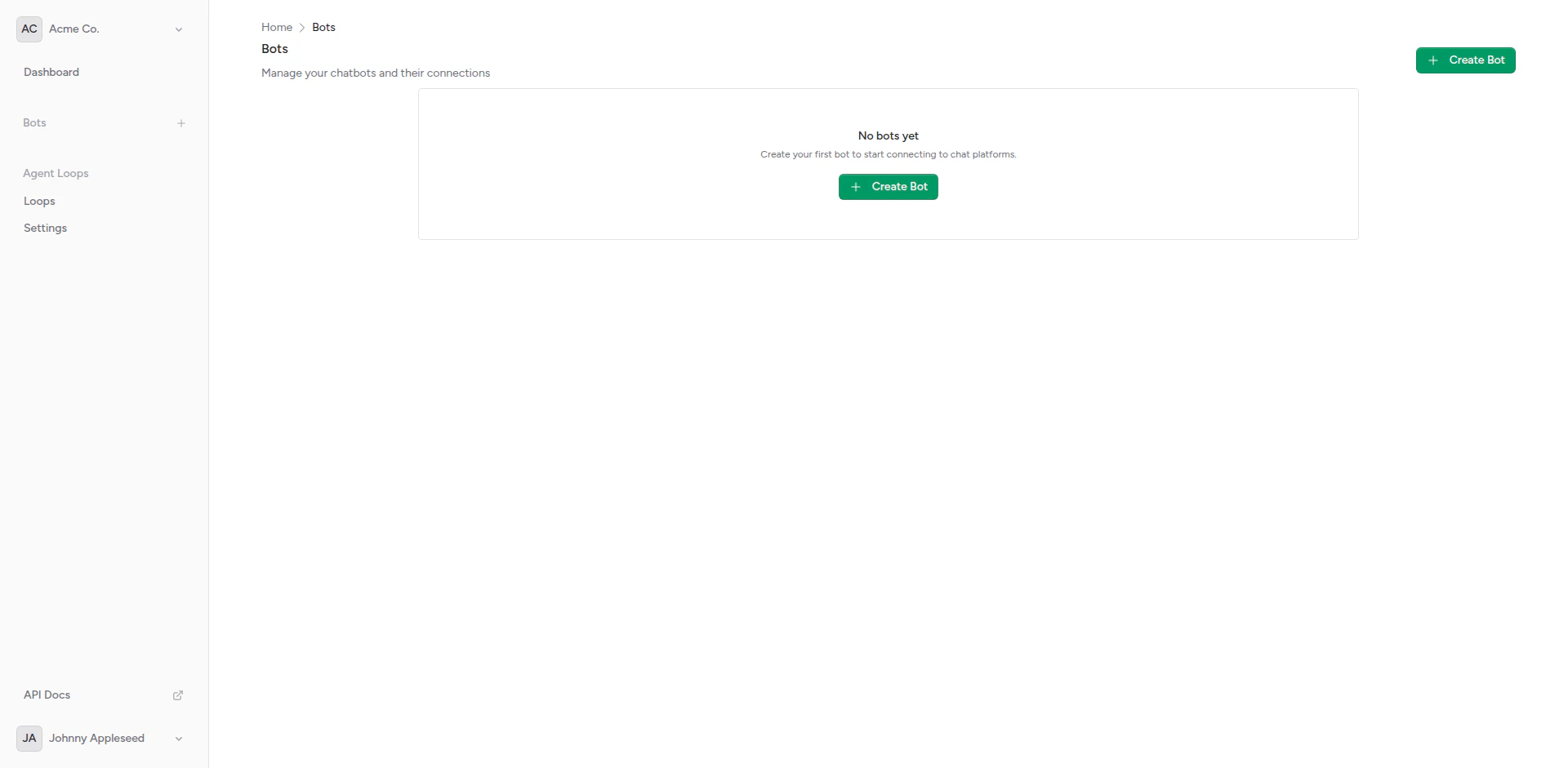
Empty bots page
2
Fill in Details
Click Create Bot and provide: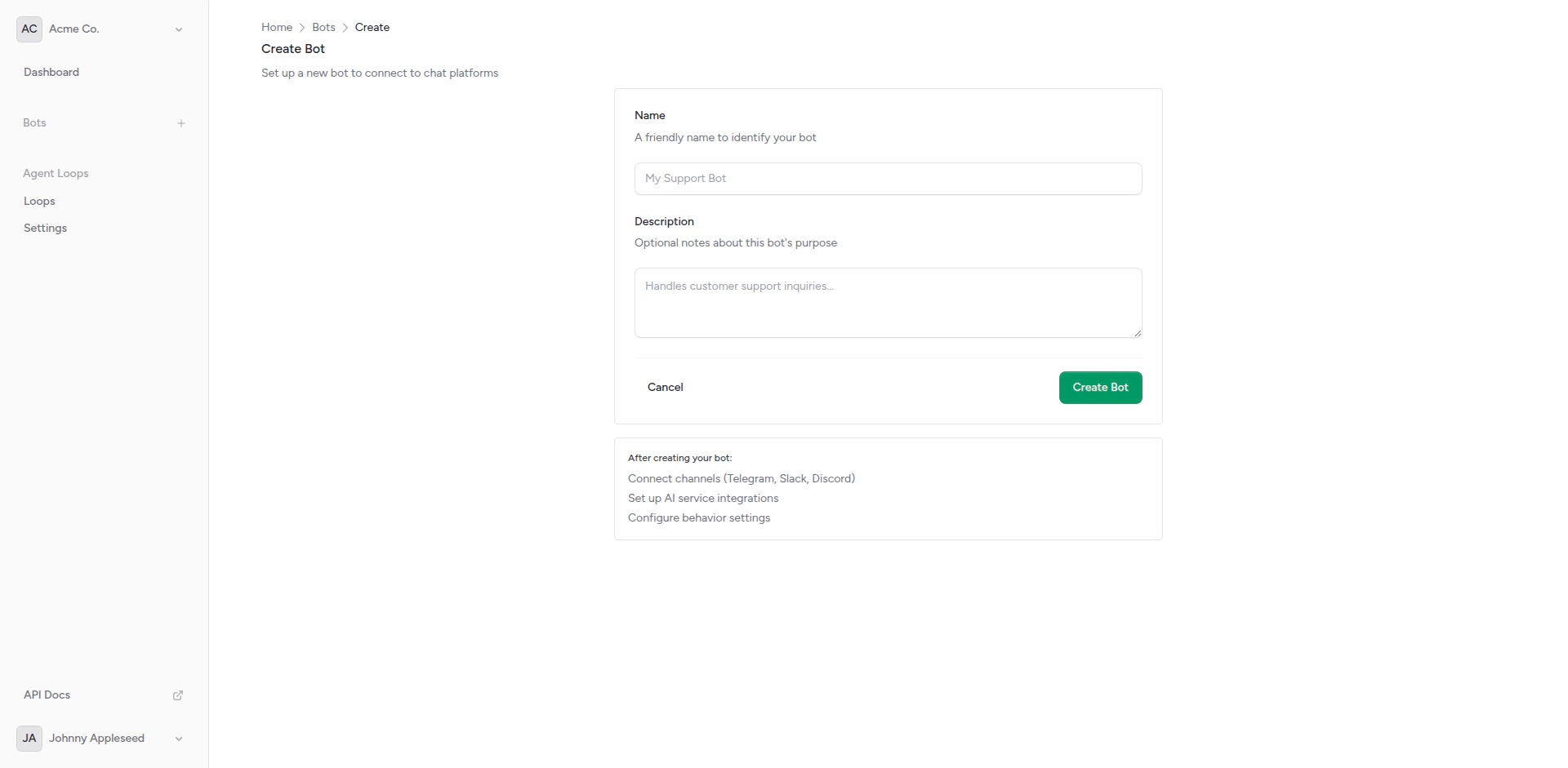
- Name: A friendly name for internal reference
- Description: Optional description of the bot’s purpose
Create bot form
3
Configure Settings
After creation, you’ll see the bot overview where you can configure behaviors, add integrations, and connect channels.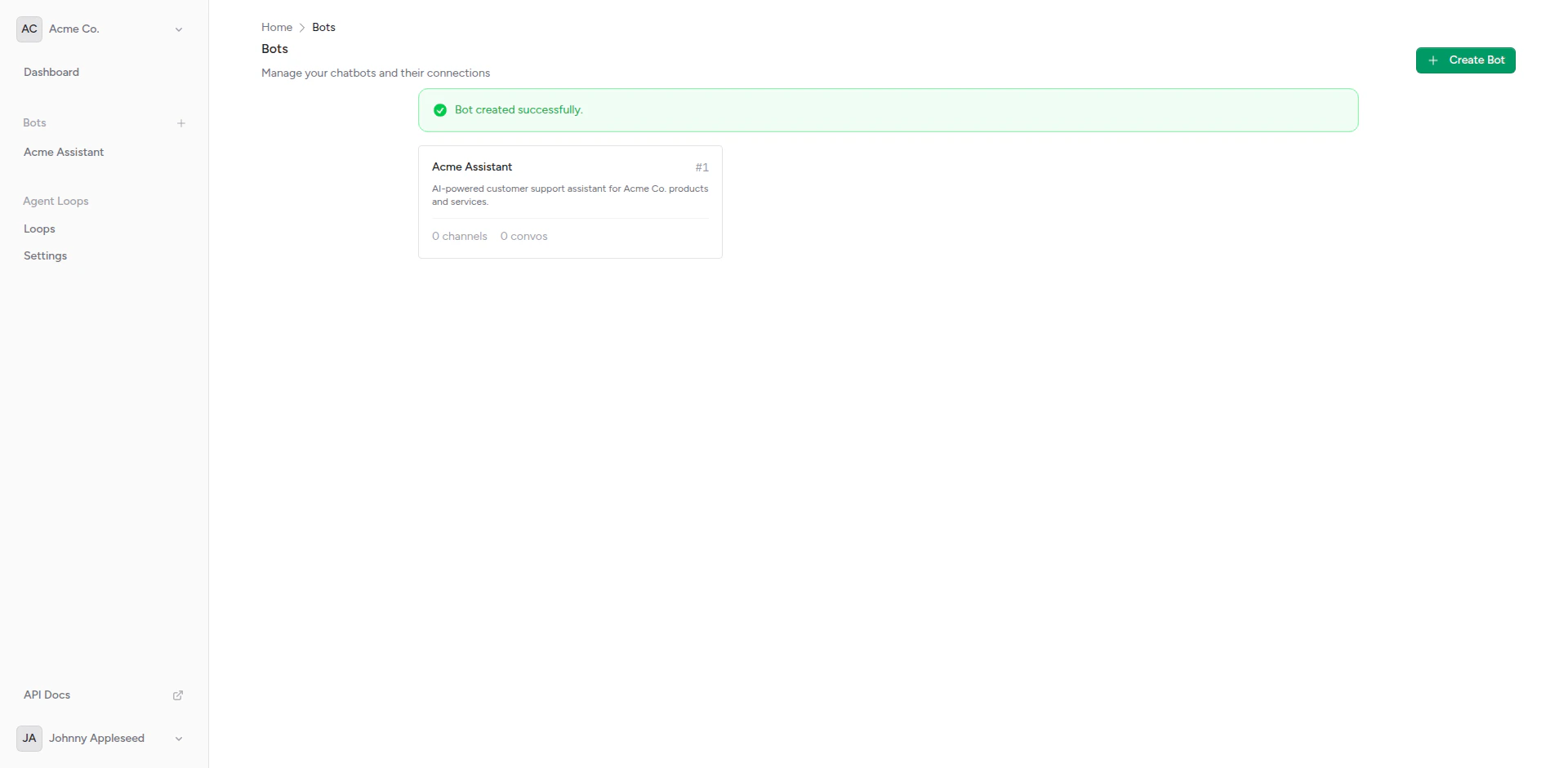
Newly created bot
Bot Components
Behaviors
Control how your bot interacts with users:Typing Indicators
Show “thinking” messages while generating responses
Should Respond Detection
Determine which messages belong together in a conversation
Integrations
Connect your bot to AI backends:Webhook Setup
Configure connections to OpenAI, Anthropic, or custom APIs
A/B Testing
Compare multiple AI backends with weighted distribution
Custom Headers
Add authentication and custom headers to requests
Channels
Deploy your bot to messaging platforms:Telegram
Connect to Telegram with bot tokens
Slack
Integrate with Slack workspaces
Discord
Deploy to Discord servers (coming soon)
Conversations
Manage message history and context:Conversation Overview
View and manage bot conversations
Message History
Configure context window size
Default Integration
Every bot comes with a default “echo” integration that simply returns the user’s message. This is useful for:- Testing channel setup before connecting a real AI backend
- Debugging webhook delivery
- Understanding message flow
Multiple Channels
A single bot can be connected to multiple channels simultaneously. This allows you to:- Deploy the same bot across Telegram, Slack, and Discord
- Use one AI backend for all platforms
- Maintain separate conversation contexts per platform
- Centralize bot management
Bot Settings
Configure these settings for each bot:API Access
Manage bots programmatically using the API.Create a bot via API
Create a bot via API
- cURL
- JavaScript
- PHP
- Python
List all bots
List all bots
- cURL
- JavaScript
- PHP
- Python
Update a bot
Update a bot
- cURL
- JavaScript
- PHP
- Python
Delete a bot
Delete a bot
- cURL
- JavaScript
- PHP
- Python
Complete API Reference
View the full API specification with all endpoints, parameters, and response schemas.
Next Steps
Configure Behaviors
Customize how your bot responds
Add Integrations
Connect AI backends
Connect Channels
Deploy to messaging platforms
View Conversations
See bot conversations and history