Integrations connect your bots to AI backends that generate responses. An integration is a webhook configuration that defines how to communicate with services like OpenAI, Anthropic, or your own custom API.
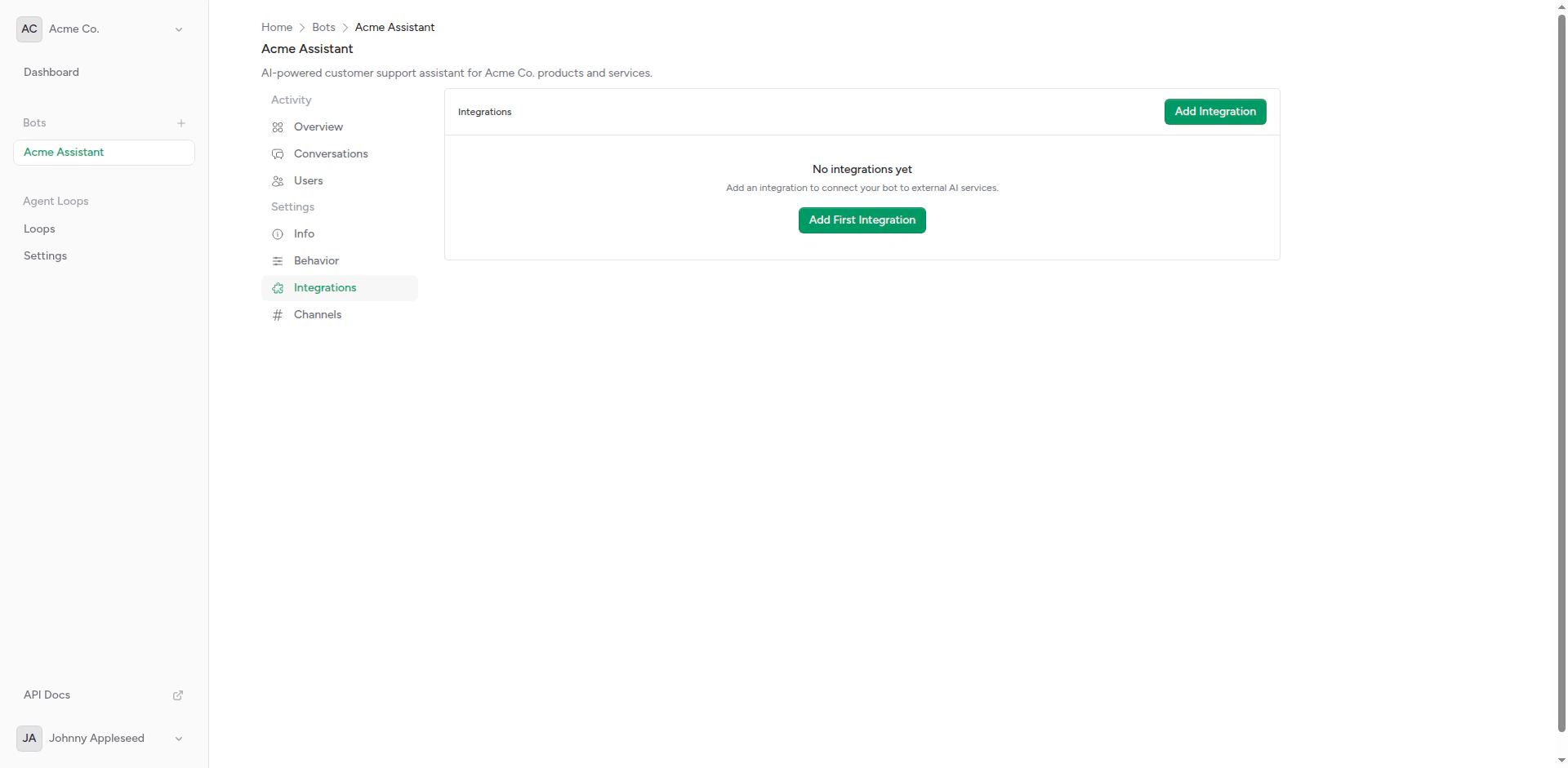
Empty integrations page
Overview
An integration consists of:
Webhook URL: The endpoint to send messages to
HTTP Headers: Authentication and custom headers
Timeout: Maximum wait time for responses
Weight: For A/B testing (optional)
Payload Format: The request structure sent to your backend
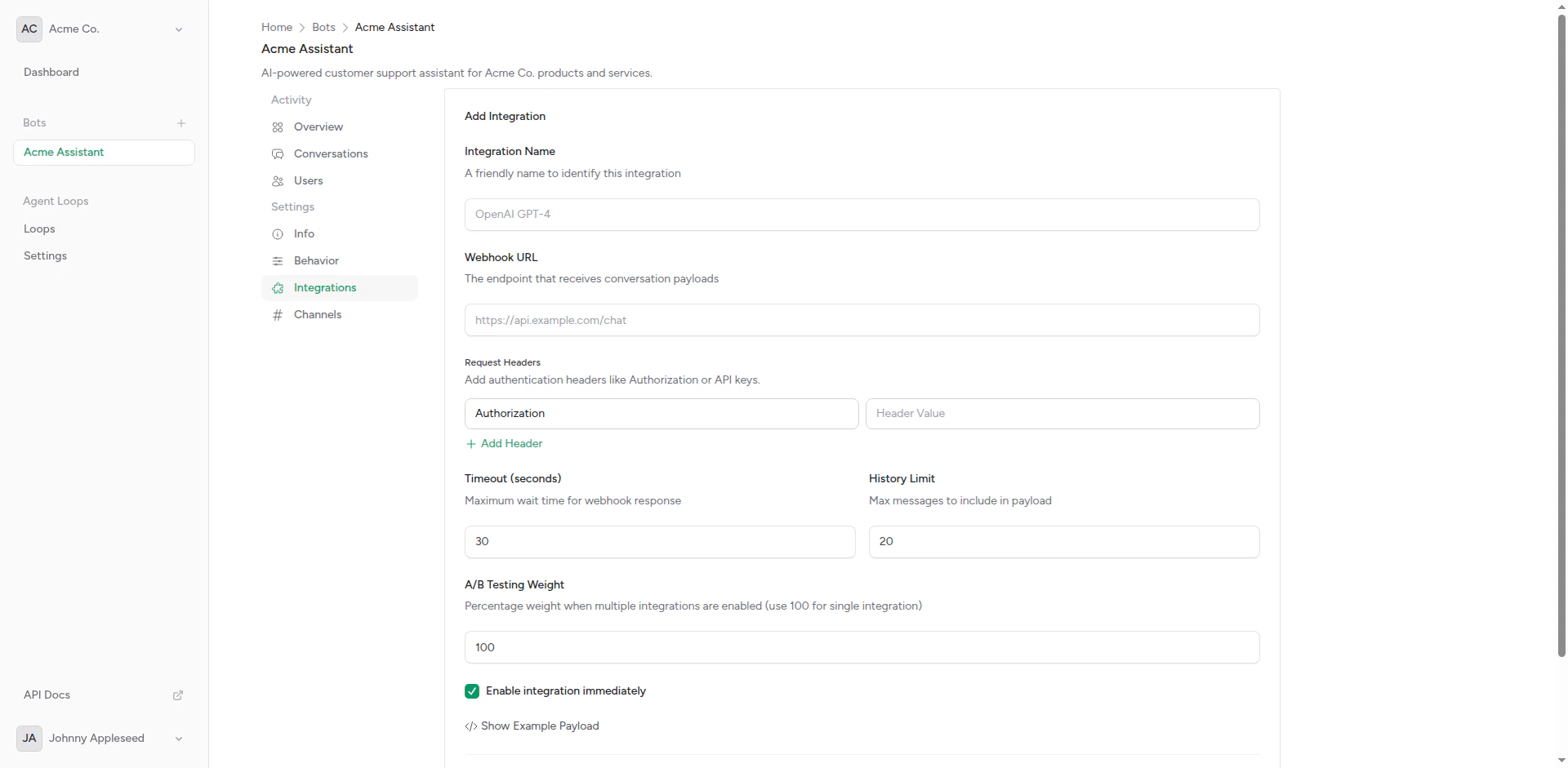
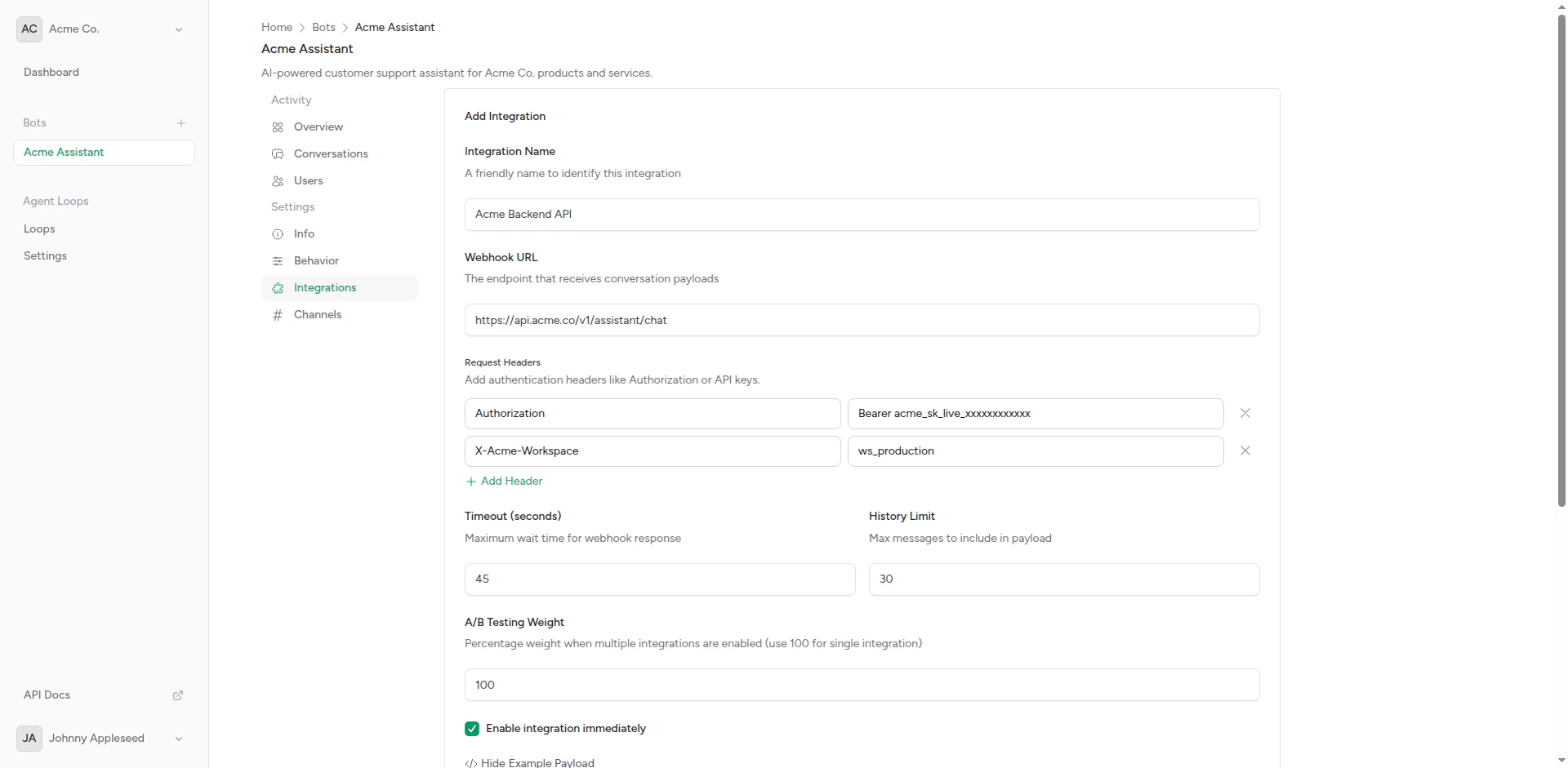
Create integration form
Creating an Integration
1
Navigate to Integrations
From your bot page, click Integrations in the sidebar.
2
Click Create Integration
Click the Create Integration button to open the form.
3
Configure Basic Settings
Enter the integration details:
Basic integration information
Name: Friendly name (e.g., “OpenAI GPT-4”)
Webhook URL: Your AI backend endpoint
Timeout: Response timeout in seconds (default: 30)
4
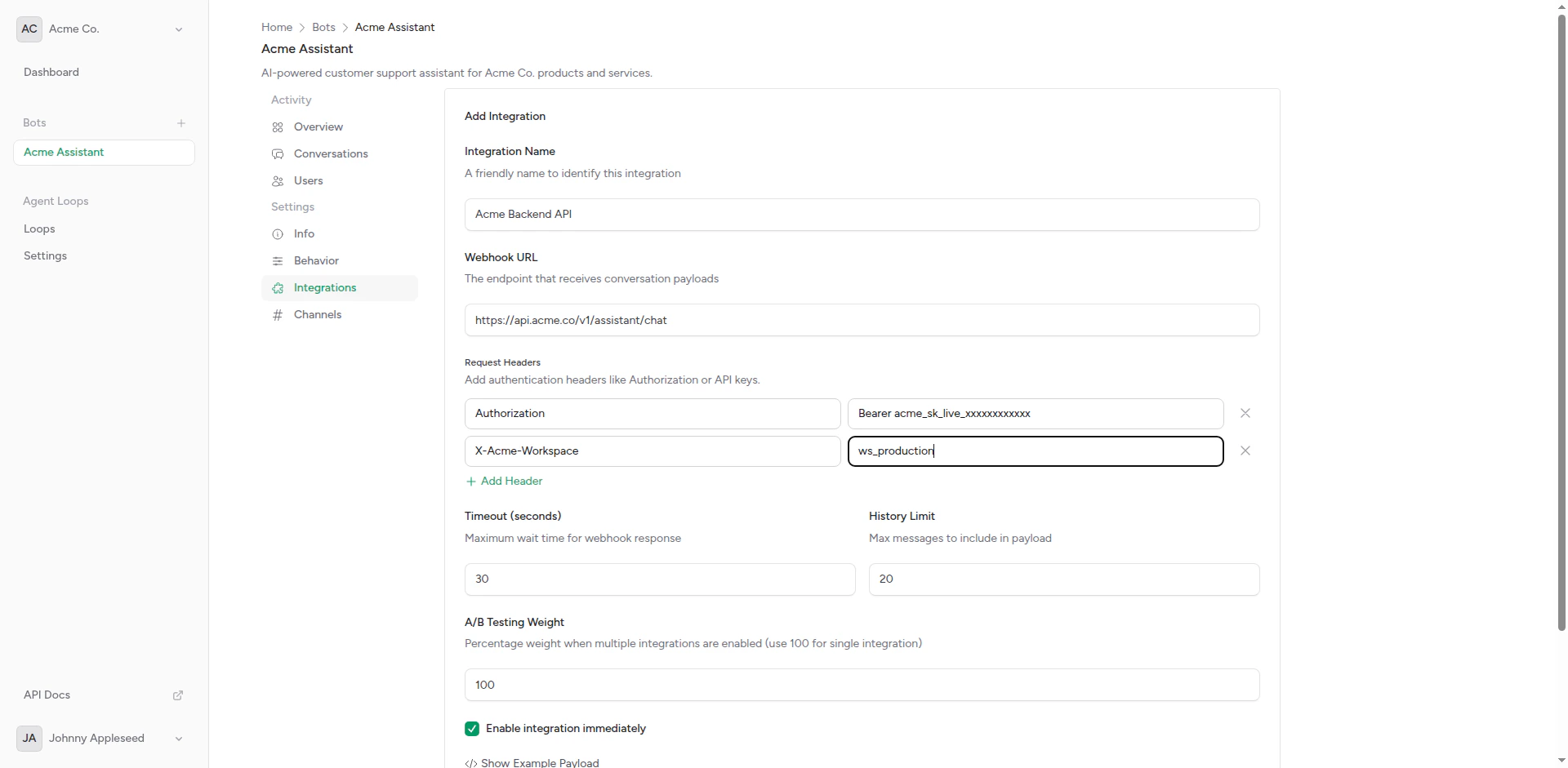
Add Headers (Optional)
Add authentication or custom headers:
Integration with custom headers
Example headers:
Authorization: Bearer sk-...Content-Type: application/jsonX-Custom-Header: value
5
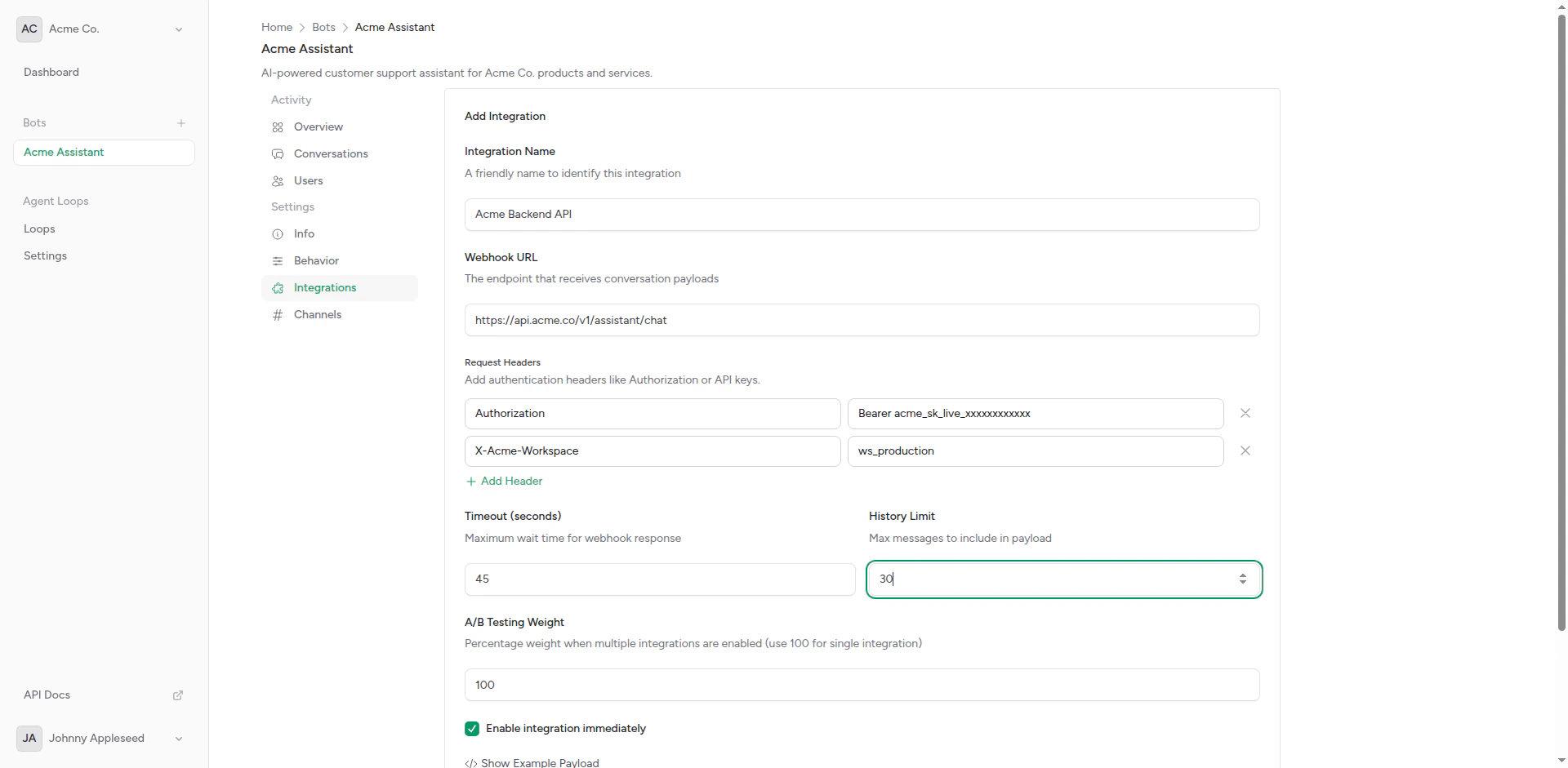
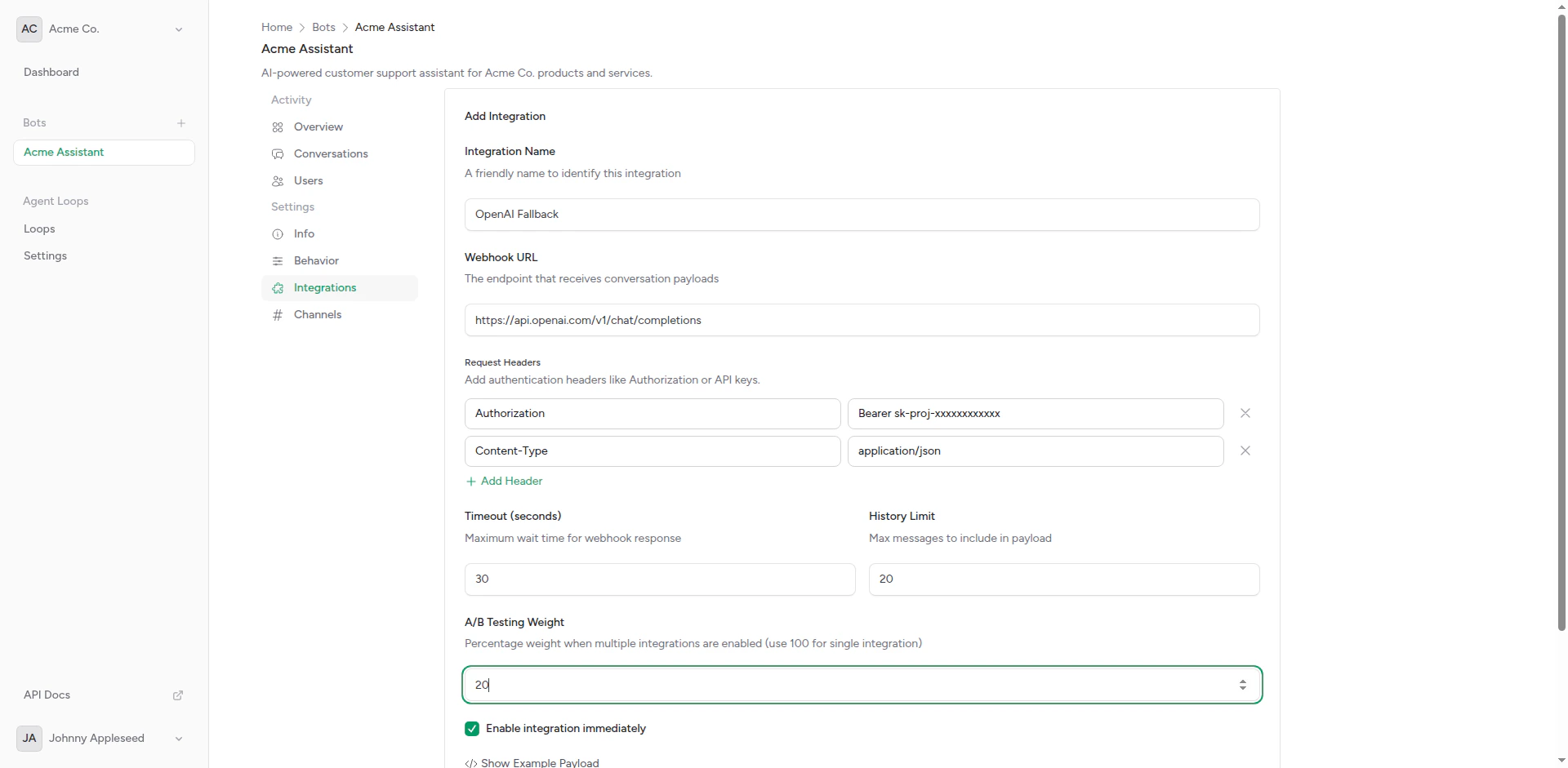
Configure Advanced Settings
Set additional options:
Advanced integration settings
Weight: For A/B testing (default: 1)
Fallback: Mark as fallback integration
6
Preview Payload
Review the payload format that will be sent:
Payload preview
7
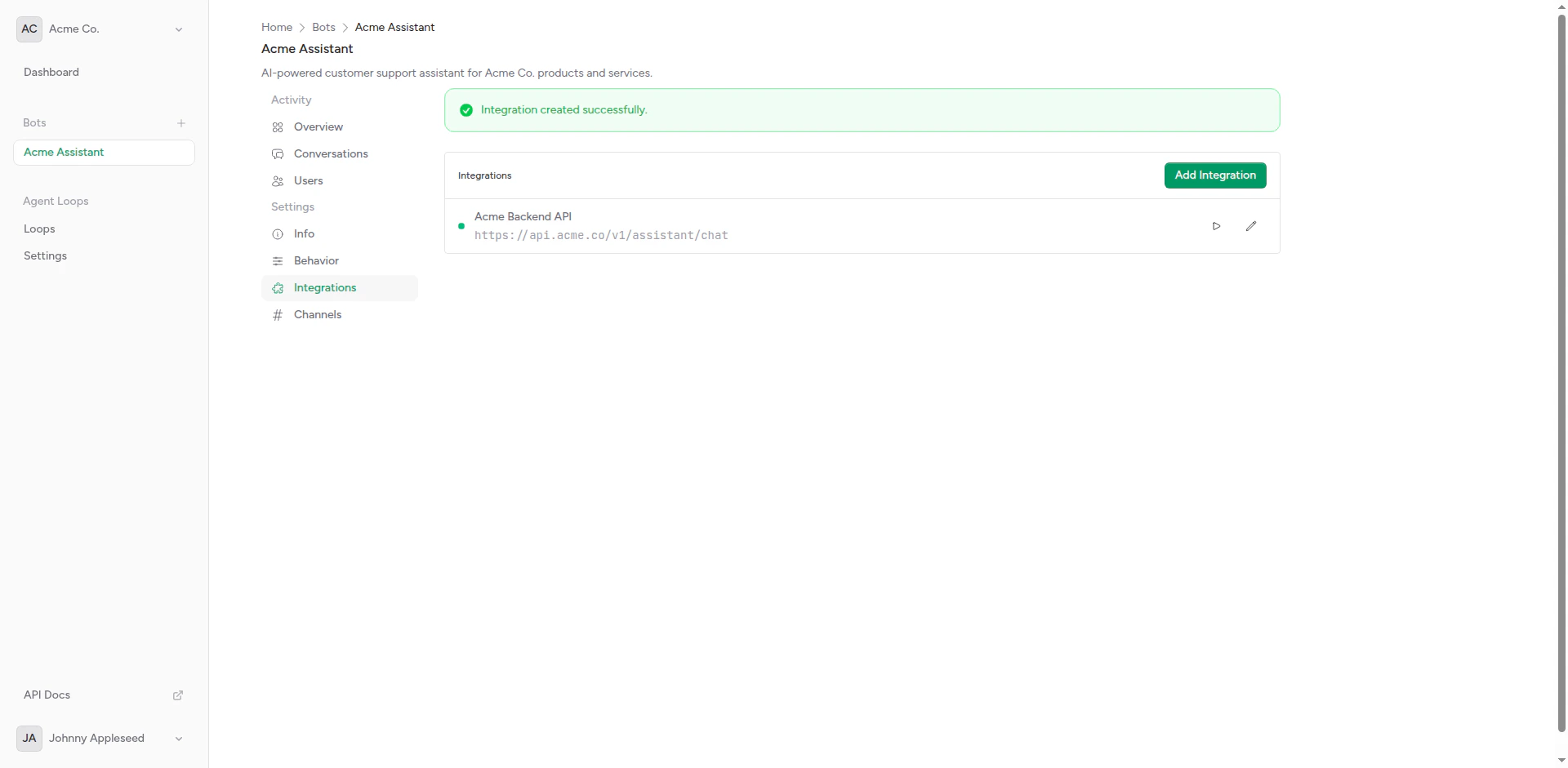
Save
Click Create to save the integration.
Integration created successfully
Request Payload Format
When a user sends a message, your integration receives a POST request with this structure: